Campaign Workspace
Write the brief, set the flight, and pace delivery in one place, with budgets that stay shared across every channel.
Brief a campaign once, then run it across display, online video, connected TV, native, and in-app inventory — with one budget, one audience layer, and reporting that holds up when the numbers are questioned.
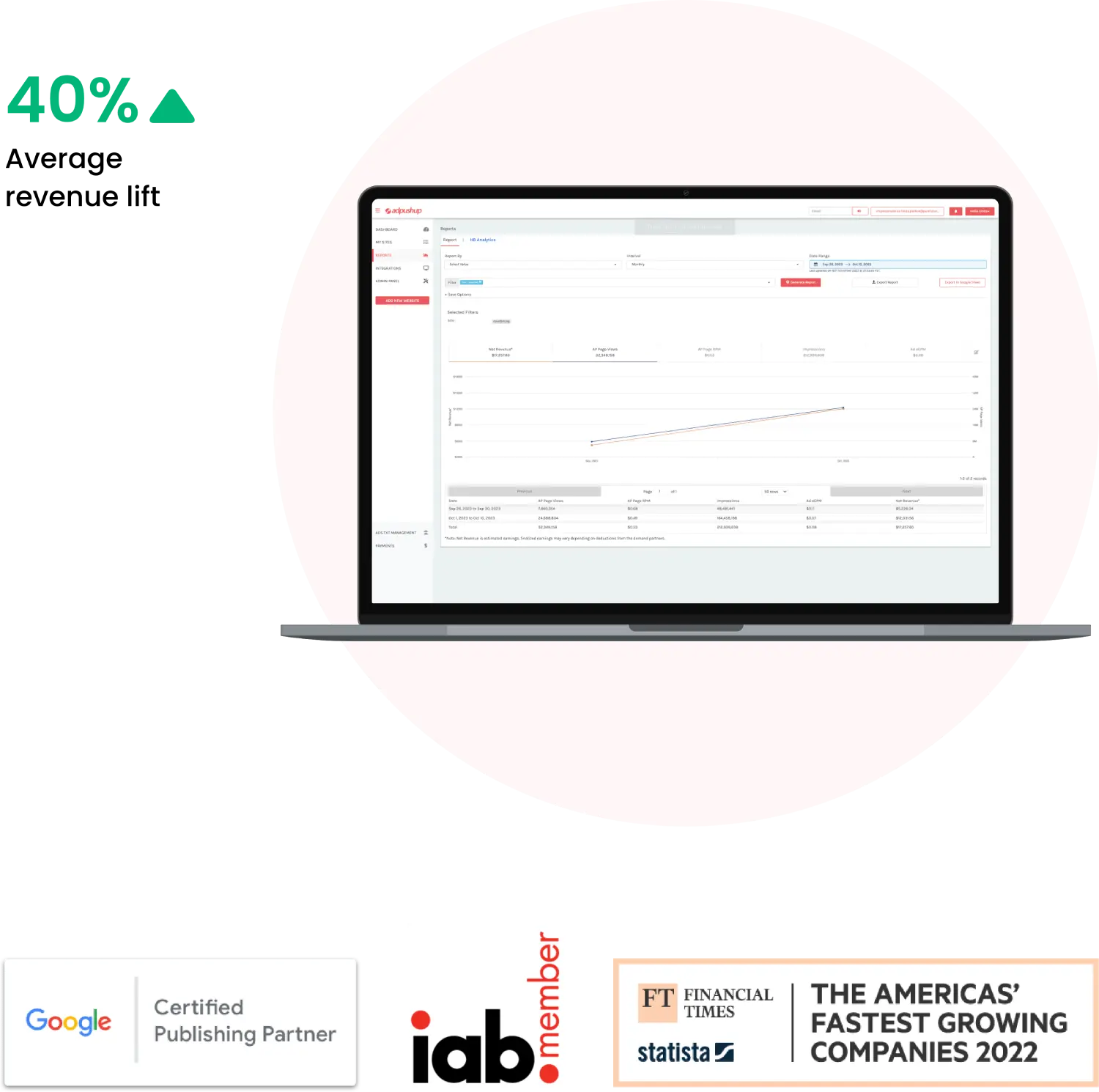
Planning, delivery, and evidence sit together, so nothing has to be rebuilt in a spreadsheet the week after launch.
Write the brief, set the flight, and pace delivery in one place, with budgets that stay shared across every channel.
Choose a bid strategy, set floors, and read auction-level detail that explains why a line item won or lost.
Bring first-party segments, modelled audiences, and contextual signals together, then activate them under consent-aware controls.
Keep every asset in one library, reuse templates across channels, and rotate variants while a campaign is live.
Deliver across web, in-app, video, and streaming with frequency caps, dayparting, and pacing rules you set.
Read multi-touch credit, view-through outcomes, and incrementality beside the delivery numbers they explain.
Set content categories and blocklists, then decide at placement level where your creative is allowed to appear.
Filter before and after the bid against recognised invalid-traffic guidance, and score supply as it arrives.
Start from a single brief, then open it out to connected TV, online video, display, native, and in-app supply. Shared budgets and pacing rules keep spend where it is earning its place.

Join delivery data to the conversion events that matter to you, compare creative variants, and read the incremental effect of a placement instead of crediting whichever click came last.
Three situations we see most often, written as scenarios rather than testimonials.
“A brand team stops rebuilding the same plan in three tools. Planning, delivery, and reporting read from the same numbers, so the weekly review is a conversation rather than a reconciliation exercise.”
“An agency runs every client account inside one workspace, with access separated per client while the planning and reporting layer stays consistent across the book.”
“A publisher sees where its inventory clears, what demand it attracts, and how floor prices affect both — in terms that are straightforward to take to stakeholders.”
Open a workspace, connect your audiences, and launch a first line item in minutes.
Choose which categories of cookies klovexiasolution may use. Necessary cookies are always active because the platform cannot work without them.
Required for sign-in, session security, and core platform functionality.
Helps us understand how the platform is used so we can improve it.
Used to measure and personalise advertising delivered through the platform.
Remembers your preferences, such as language and workspace layout.